
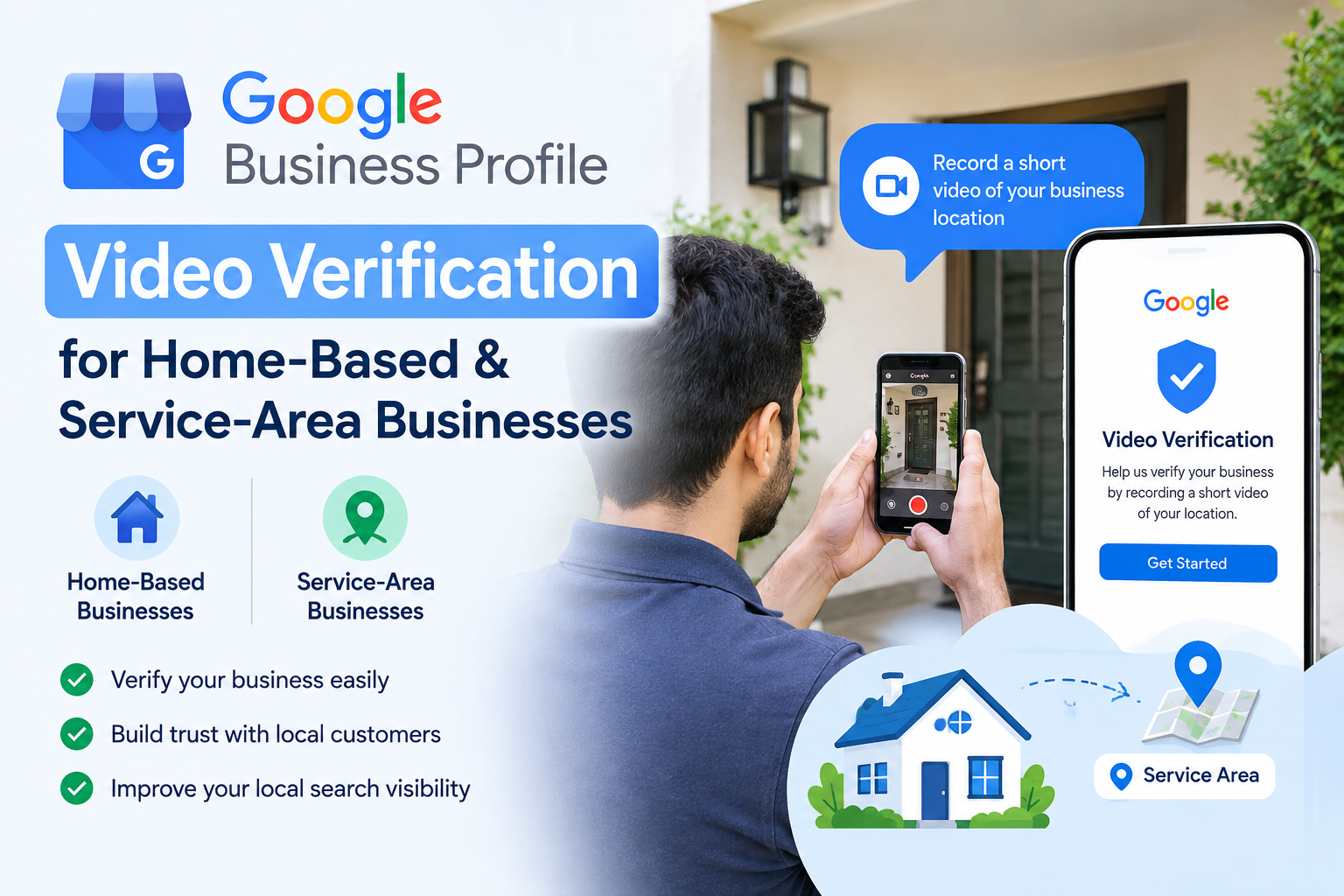
Google is asking for a video verification, but you don’t have a shop, a storefront, or a permanent business sign outside your door. That request can feel like a dead end if you run your business from a spare room, a van, or wherever the next job takes you. It isn’t. Google Business Profile video verification works differently depending on how your business actually operates, and businesses without a customer-facing location get verified every day.
This applies whether you run a home-based business, a mobile business, or a service-area business that travels to customers rather than the other way around. It also applies if you work out of a vehicle and never see clients at a fixed address. The key is showing Google evidence that matches your real setup, not pretending you have a storefront you don’t.
Why Is Google Asking Me to Verify My Business With a Video?
Verification exists because fake and duplicate listings flood Google’s results, and video is one of the tools Google uses to weed them out before a profile goes live or a major change takes effect. It confirms that a business really operates the way its profile describes.
Video isn’t the default check for everyone. Postcards, phone calls, and emails still handle plenty of verifications, and which method you get usually comes down to your profile’s category, its history, and how active the account has been. When Google does ask for video, it’s typically because the listing needs stronger proof, often connected to how the address and service area are configured. That bar moves too. The Google Business Profile update September 2026 changed which service-area and home-based profiles get flagged for video, so a business that skated through last year might face a different set of requirements now.
Can a Home-Based Business Get Verified on Google?
Yes, a home-based business can get verified, as long as the profile accurately reflects how the business actually serves customers. The mistake many owners make is treating their setup like a storefront when it isn’t one.
There are three basic profile types to understand:
A storefront business has a physical address customers visit, like a retail shop or a clinic with a waiting room.
A service-area business does the opposite. It performs work at the customer’s location, whether that’s a house call, an on-site repair, or a delivery, and it doesn’t invite the public to its own address.
A hybrid business does both. It might have a small office and also send technicians out to homes.
This distinction matters more than almost anything else in this process. Google states that a service-area business provides services at customers’ locations rather than serving customers at its listed business address, and your profile setup needs to match that description exactly. If you run a home-based service business, your Google Business Profile video verification should demonstrate a service-area setup, not a shop that doesn’t exist.
What Should I Show in My Google Business Profile Verification Video?
This is the section that decides whether your submission succeeds, so treat it as your checklist.
1. Show Your Business Location
Without a shopfront sign, your camera has to do that job instead. Ground the opening shot in a real, identifiable place: a street sign, a building number, a landmark, anything that lets a viewer place you on a map. Google leans on this kind of evidence specifically for service-area businesses, precisely because there’s nothing else pointing to a fixed address.
2. Show Your Business Workspace
If you run a home-based business, walk through the space where the actual work happens. That could be a desk with a computer, a workshop bench, shelving with stock, or a corner set up for calls and admin. The goal is proving the business is really operating there, not staged for the camera.
3. Show Business-Specific Equipment
Trades and mobile service businesses benefit heavily from this step. Point the camera at the tools, machinery, branded equipment, materials, or specialist software you use day to day. An electrician’s testing kit, a cleaner’s supply kit, or a designer’s rendering software all count as evidence that matches the business category.
4. Show Your Branded Vehicle If You Have One
If your business runs out of a car or van with signage, film it along with the equipment or materials you carry for jobs. Not every business has one, and that’s fine. Leave this step out if it doesn’t apply to you.
5. Show Proof That You Manage the Business
Google also wants some indication that the person recording is actually authorised to represent the business, not a customer or a random passerby. For storefront or hybrid setups, this might mean accessing a back office, a staff area, or systems that only an owner or employee could reach. For a home-based or service-area business, this can be as simple as speaking directly to camera, referencing the business by name, and showing yourself interacting with the tools or records tied to the work. There’s no need to display sensitive documents or account details on camera to make this point.
What If I Don’t Have Business Signage?
This is where a lot of owners go wrong, so it’s worth its own section.
If you don’t have permanent on-site signage because you’re not customer-facing, don’t try to make your home look like a shop. That approach usually backfires. Google explicitly says businesses without permanent on-site signage should be listed as service-area businesses rather than storefronts, which means the video standard is different too.
Instead of signage, focus your Google Business Profile video verification on what actually proves the business is real: your location, the work you do there, the equipment you use, a branded vehicle if one applies, and some sign that you’re the person running the show. That combination carries far more weight than a hand-painted sign on your front door ever would.
How to Record a Google Business Profile Verification Video Step by Step
Use this order to keep the recording organised and easy for a reviewer to follow.
Step 1: Confirm your business type.
Before you film anything, know whether your profile is set up as storefront, service-area, or hybrid, since that decides what the rest of the video needs to prove.
Step 2: Check your Business Profile information.
Before you press record, pull up your profile and compare it against what’s about to appear on screen. Your business name, category, and street address all need to line up exactly.
Step 3: Start from the required location.
Walk in already standing at the address or service area Google flagged, rather than introducing it partway through the clip.
Step 4: Record relevant surroundings.
Pan briefly across whatever confirms where you are, a street sign, a landmark, a building number, before moving on.
Step 5: Show your workspace or equipment.
Once the location’s established, bring the camera into the space where the work actually happens and let the tools or stock speak for themselves.
Step 6: Show business-related assets.
A branded vehicle or uniform works well here, provided your business actually uses one.
Step 7: Demonstrate management or authorisation.
Speak on camera and mention your name and your role at the business. Reviewers are checking for an actual person tied to the operation, since an empty room by itself doesn’t tell them much.
Step 8: Submit the video through Google’s verification process.
Once you’re happy with the footage, upload it through the official verification flow in your Business Profile dashboard and wait for Google’s review.
Common Reasons Google Business Profile Verification Videos Fail
Business type doesn’t match the actual operation
A profile marked as a storefront when the business is really service-area (or the reverse) creates a mismatch reviewers catch quickly.
Video doesn’t clearly establish the location
Vague or unidentifiable surroundings leave Google with nothing to confirm the address against.
Business activity isn’t demonstrated
A video that only shows a room, with no work happening or equipment visible, doesn’t prove much on its own.
The person recording doesn’t establish that they manage the business
Without some clear link to ownership or authorisation, the video reads as someone unrelated to the business.
Trying to verify a service-area business like a storefront
Filming a home as though it’s a public-facing shop, complete with a makeshift sign, tends to raise more questions than it answers.
Business information doesn’t match across the profile and evidence
Even small mismatches, a slightly different address, a category that doesn’t match your services, cause reviewers to flag the video against the rest of the profile.
What If Google Rejects My Verification Video?
Rejections happen, and they don’t mean your business can’t be verified. Start by reading the rejection reason carefully rather than resubmitting the same footage. Check whether your profile is set to the correct type, since a storefront-versus-service-area mismatch is one of the most common causes. Compare your video against Google’s current requirements for your category, since these details do change over time.
Fix whatever gap the rejection pointed to. That might mean clearer location shots or a better view of your workspace, or it might mean stronger proof that you actually run the business. Once that’s addressed, resubmit your Google Business Profile video verification through the same dashboard flow. If problems continue after a second attempt, use Google’s official support or verification workflow rather than guessing at further changes. A second video isn’t guaranteed to pass, but addressing the specific gap Google flagged gives it a far better chance.
Google Business Profile Video Verification FAQs
Can I verify a Google Business Profile without a storefront?
Google Business Profile video verification is built to work for home-based and service-area businesses, provided the video matches your actual setup rather than mimicking a shop you don’t have.
How do I verify a home-based business on Google?
Show your workspace, relevant equipment, and some proof that you manage the business, alongside location evidence that confirms where you operate from.
Can a service-area business use video verification?
It can, and Google recommends showing location markers and business activity rather than a storefront that doesn’t exist.
What should I show in my Google verification video?
Four things carry the most weight: your location, your workspace or equipment, a branded vehicle if you use one, and something that ties you personally to running the business.
Do I need business signage for Google verification?
Businesses without permanent on-site signage are typically classified service-area rather than storefront, and Google wants the video to match that classification rather than dress up a home as a shop.
Can I use my vehicle as proof of business?
It can. A van or car with visible branding, plus the tools stored inside, adds useful evidence, though it’s an optional piece rather than a requirement.
What should I do if Google keeps rejecting my verification?
Start with the specific reason Google gave, and check it against the current requirements for your business type. Fix that particular gap, and if the video still doesn’t get approved after another attempt, use Google’s official verification support instead of guessing further.
Final Takeaway
Not having a storefront doesn’t rule you out of getting verified. What matters is filming evidence that matches how your business genuinely operates, whether that’s a home office, a van full of tools, or a service area you cover across the city. Get the Google Business Profile video verification right, and the rest of your profile can start working for you the way it should.
If you’d rather have this handled for you, OptMum Digital’s Local SEO Service and broader SEO Service can take care of your Google Business Profile setup, verification, and ongoing visibility. Reach out to get your profile verified and performing.