
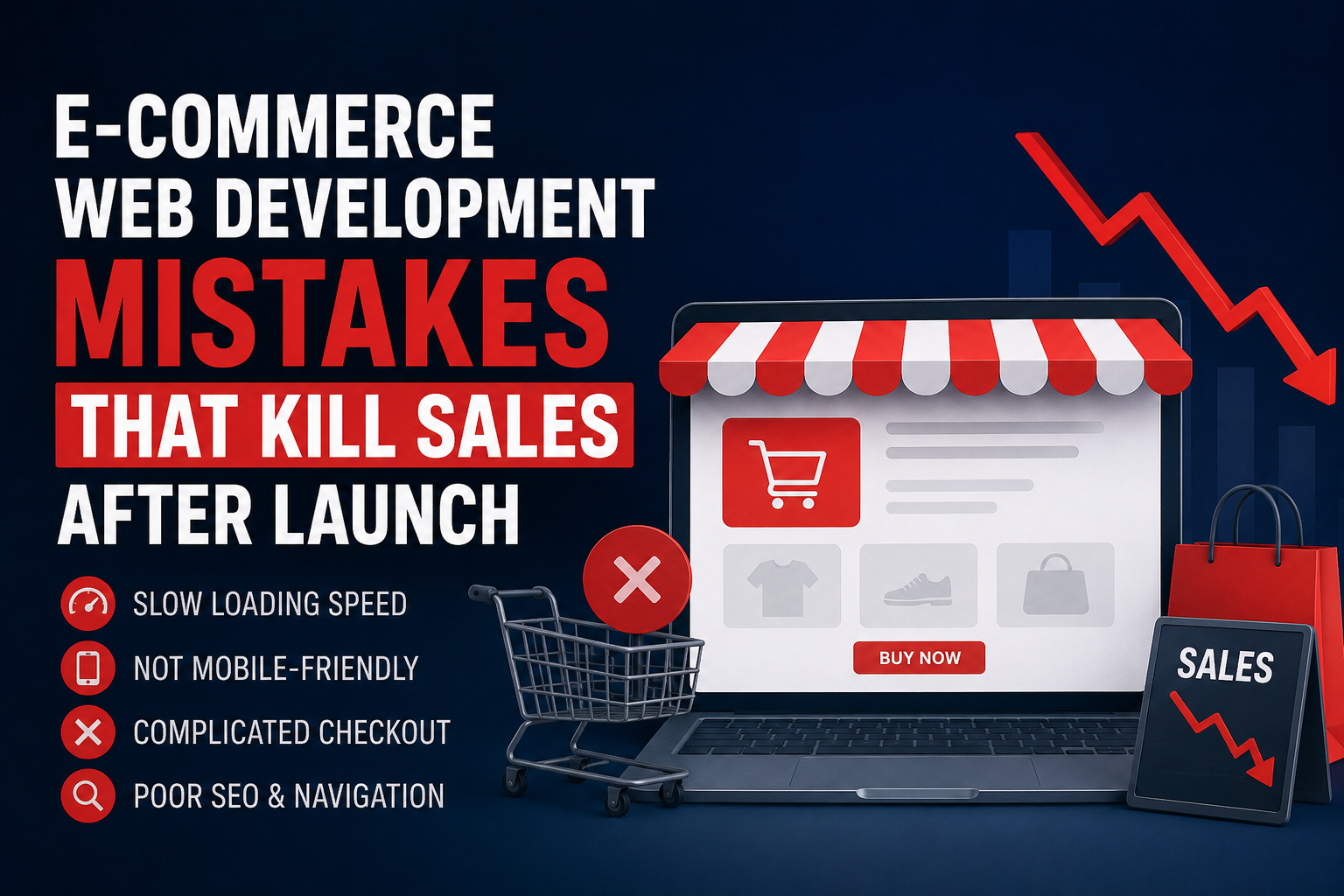
You spend six months building an online store. You pick the layout, upload hundreds of products, and integrate your payment gateways. Launch day arrives, and the traffic starts coming in.
Nobody buys anything.
I have seen this scenario play out dozens of times. The problem rarely has to do with the products themselves. The issue usually sits deep in the code and the user flow. A site can look beautiful and still fail completely at its primary job: selling. Let’s look at the specific errors that cause buyers to abandon their carts and how you can fix them.
Hidden E-Commerce Web Development Errors That Drive Customers Away
Most lost sales happen because the buying process requires too much effort. When a user has to think about how to use your site, they leave.
Treating Mobile E-Commerce Web Development as an Afterthought
Everyone knows mobile traffic dominates online retail. Yet, developers still build on large desktop monitors and scale the design down later. This backward approach creates a frustrating mobile experience. Thumb targets end up too small. Filters require five taps to apply. Pop-ups block the entire screen on a phone, and users can’t find the tiny ‘X’ to close them.
If your mobile layout isn’t the primary focus of your project, you are actively turning away buyers. Mobile users have less patience and are more easily distracted. They need large buttons, sticky add-to-cart bars, and simplified navigation menus.
Bloated Code Slows the E-Commerce Site for Online Shopping Web Development Experience
A visually striking site means nothing if it takes six seconds to load. Shoppers simply hit the back button. We regularly audit sites that look fantastic but drag under the weight of unoptimized scripts. Massive image files and heavy third-party tracking plugins cripple performance.
Every second of delay directly reduces your conversion rate. Visitors blame your brand for the slow experience, not your hosting provider. You have to aggressively compress images and defer non-essential scripts from loading until after the main content is visible.
The Forced Account Creation Trap
A customer finds a product. They add it to their cart. They hit the checkout. Then, a massive form blocks their path, demanding they create an account, confirm an email, and create a password.
They close the tab.
Guest checkout is non-negotiable. Let people give you their money without forcing them into a relationship. You can always ask them to save their information to create an account after the payment goes through.
Broken Search and Navigation in E-Commerce Web Development
Shoppers who use the search bar convert at a much higher rate than those who just browse categories. They know exactly what they want. Unfortunately, default search functions are usually terrible. They require exact spelling. If a user types “sneker” instead of “sneaker”, they get zero results. A blank “no results found” page is a dead end.
Your site needs typo tolerance. It needs to suggest products as the user types. The navigation menu should have clear, logical categories rather than industry jargon that customers don’t understand.
Hiding Shipping Costs Until the End
Nothing kills a sale faster than surprise fees. A user spends ten minutes picking out items, enters their shipping address, and suddenly their total jumps by forty percent due to unexpected shipping and handling costs.
Be upfront. Put a shipping calculator on the product page. If you offer free shipping over a certain amount, put a progress bar in the cart so users know exactly how much more they need to spend.
The Real Benefits of Technologies in E-Commerce Web Development
Technology should remove friction. When you use outdated platforms, you create manual work for your team and lag for your users. Modern tech stacks offer direct advantages that impact your bottom line.
Inventory syncs instantly across multiple channels, preventing you from selling items you don’t actually have in stock. Advanced caching delivers pages instantly, regardless of how much traffic hits your site during a sale. Automated tax calculators handle regional compliance without manual data entry.
Good technology stays out of the way. It processes local and international cards without throwing vague error codes. It sends immediate order confirmation emails. It handles the heavy lifting so you can focus on inventory and marketing.
Why Opting for the Best E-Commerce Web Development Company in India Matters
You don’t just need a coder. You need a team that understands how people actually shop. Many agencies will build exactly what you ask for, even if what you ask for is a bad idea.
The right partner pushes back. They prioritize site speed, security, and checkout flow over flashy animations. They know that a simple, fast site outsells a slow, complicated one every single time. Finding an experienced agency means you get a site built on actual consumer behavior data rather than guesswork. They test the checkout flow on real devices. They ensure your payment gateway handles edge cases, like declined cards, gracefully.
Your Next Steps in E-Commerce Web Development
Building an online store is an ongoing process. You have to monitor user behavior, find where people drop off, and fix those specific bottlenecks.
At OptMum Digital, we fix these exact problems. We build stores designed to convert traffic into actual revenue. Our focus stays on performance, intuitive navigation, and frictionless checkouts. We don’t just hand over a codebase; we ensure the site actually performs in the real world. If your current site is bleeding sales or you are planning a new launch, let us take a look. We know what to look for, and more importantly, we know how to fix it. Visit OptMum Digital to get your store working the way it should.
Frequently Asked Questions
Why is my e-commerce site getting traffic but no sales?
Usually, this points to a friction problem in the user experience. Your site might load too slowly on mobile devices, your checkout process might have too many steps, or your shipping costs might be surprising users at the very end.
How fast should my online store load?
You should aim for under three seconds. Anything longer and you start seeing significant drops in conversion rates. Mobile load times are especially critical.
Do I really need a guest checkout option?
Yes. Forcing users to create an account is one of the leading causes of cart abandonment. Allow them to check out quickly, then offer an option to save their details for next time.
How can I improve my site’s search function?
Implement a search solution that handles typos and uses autocomplete. Make sure your products have detailed tags and descriptions so the search engine can actually find them based on common user queries.